
The official Geocaching app is the right starting point for anyone new to geocaching, since it’s the one built and maintained by Geocaching HQ and it works whether you carry an iPhone or an Android phone. It shows nearby geocaches on a map, gives you a compass or turn-by-turn navigation to reach them, and lets you log your find the moment you sign the logbook. For casual outings near home, the free tier covers a real number of caches without asking you to pay anything.
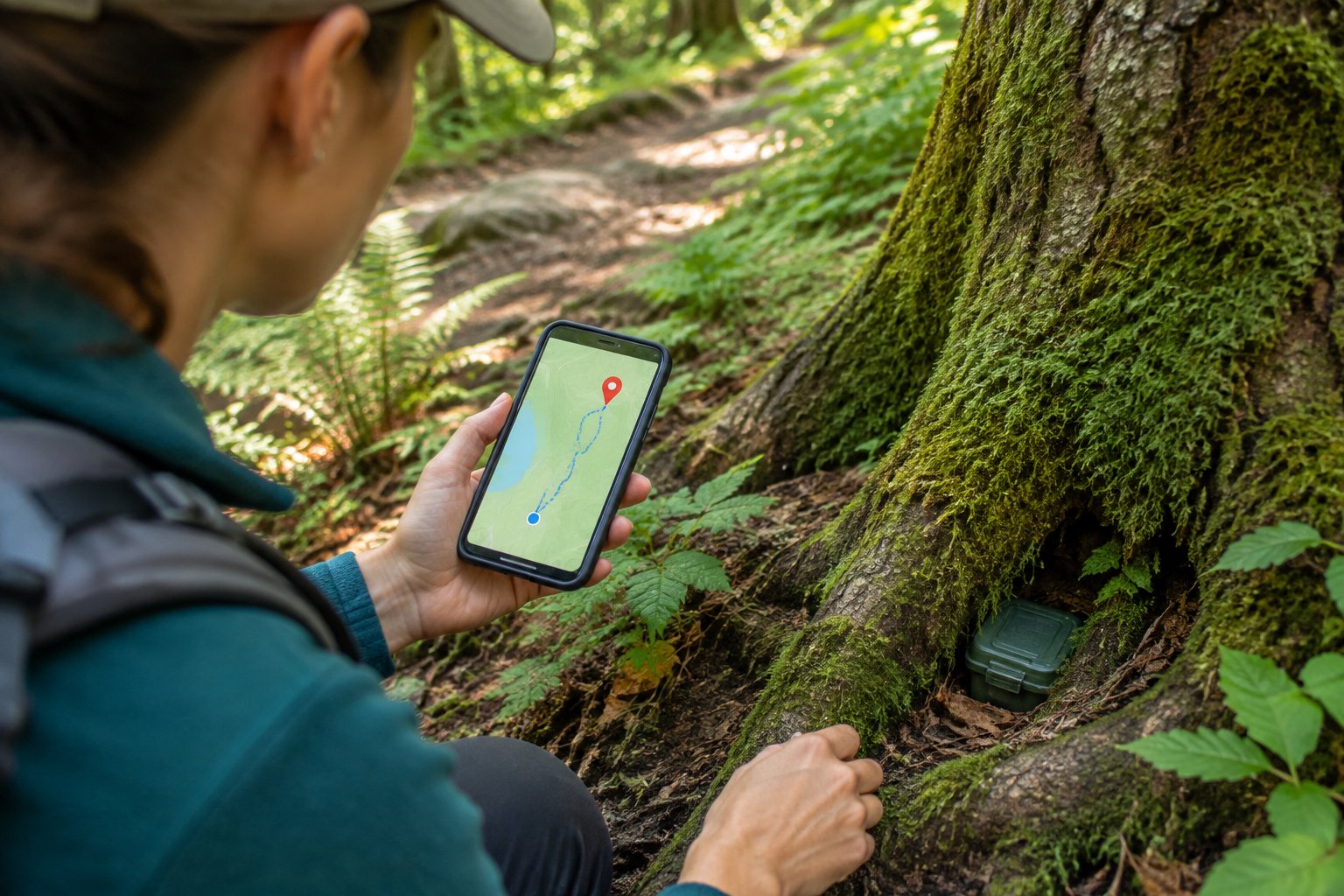
Choosing the right geocaching app gets more complicated once you look past that first cache, though. Some hunters want offline access for weekend trips into cell-service dead zones. Others want the widest possible list of hidden containers, or a specific logging feature the official app doesn’t offer. This guide walks through how to match an app to your first outing, how the main options compare feature by feature, what “free” actually gets you on each one, and how to keep your search working when your phone loses signal or battery.
How Do You Choose an App for Your First Outing?
Pick your app based on which geocaches you want to reach, whether the free tier gets you there, and whether your account and phone permissions are ready before you leave the house. Getting these three things right before your first outing saves you a frustrating standing-in-a-parking-lot moment with a phone that won’t show a single geocache nearby.
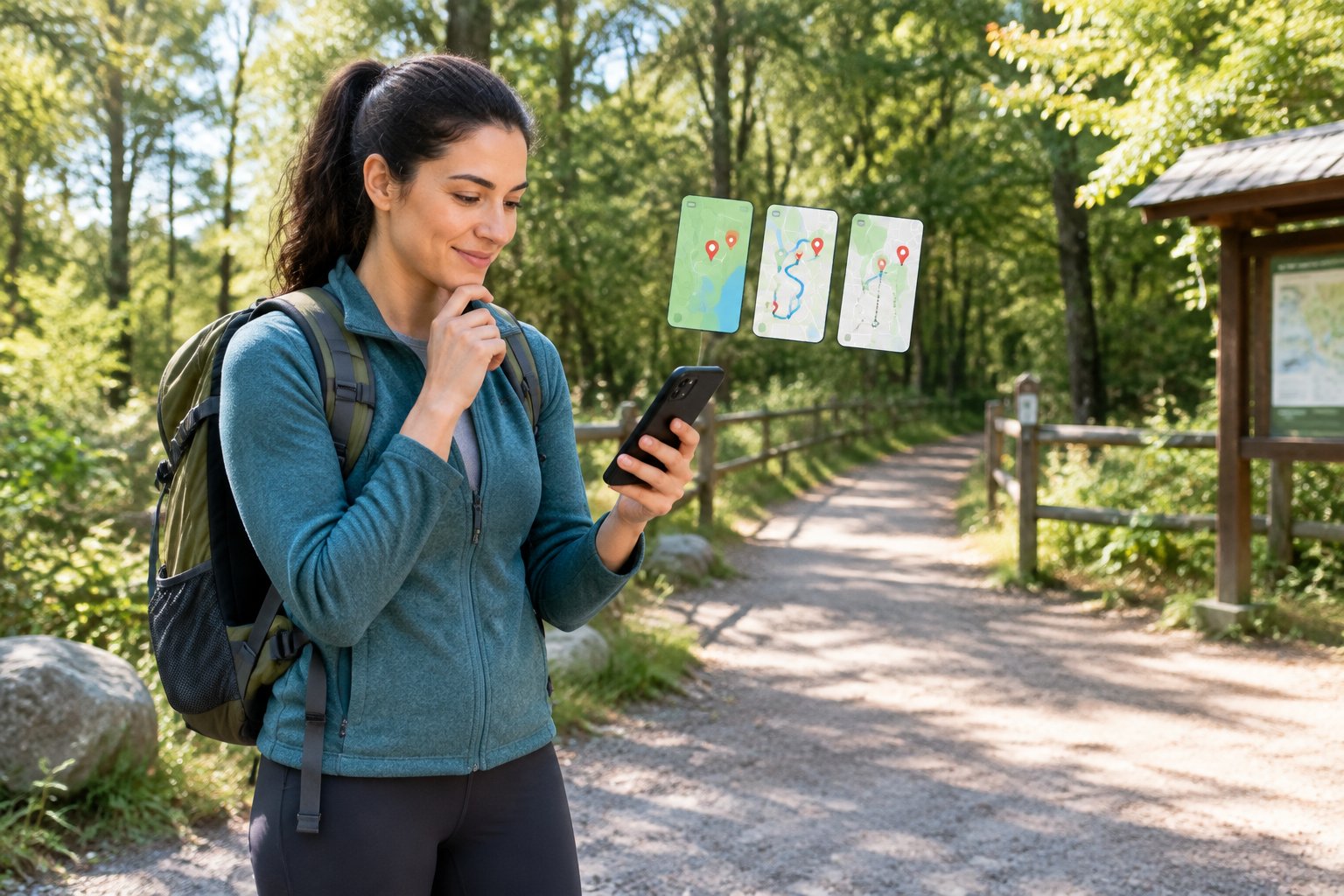
Check Which Geocaches You Can Access
Every geocache listed through Geocaching.com carries a difficulty and terrain rating, and some are marked Premium-only. On the official app, a Basic (free) account can find any cache rated D1.5/T2 or below, plus GeoTour caches, but Premium-only listings stay locked. Confirm a few nearby caches show up before committing to a route.
Decide Whether Free Access Meets Your Needs
If the caches near you are mostly Basic-accessible, a free account is enough for a first trip. If your area is dense with Premium-only listings, you’ll hit a wall quickly and need to weigh a paid membership or an alternative app with broader free access.
Set Up Your Account, Permissions, and First Cache
Create your geocaching.com account (or sign in through the app), then grant location access when prompted, since the app can’t show nearby caches without it. Pick one nearby, low-difficulty cache for your first hunt rather than a Mystery or high-terrain listing.
Check That Maps and Cache Details Load Before You Leave
Open the cache page at home and confirm the map, coordinates, and hint text all display. This one check, done on your home Wi-Fi, catches most first-outing problems before they happen on the trail. For a broader walkthrough of the hobby itself, the guide to geocaching covers what to expect once you’re out there.
Which Apps Are Worth Comparing in 2026?
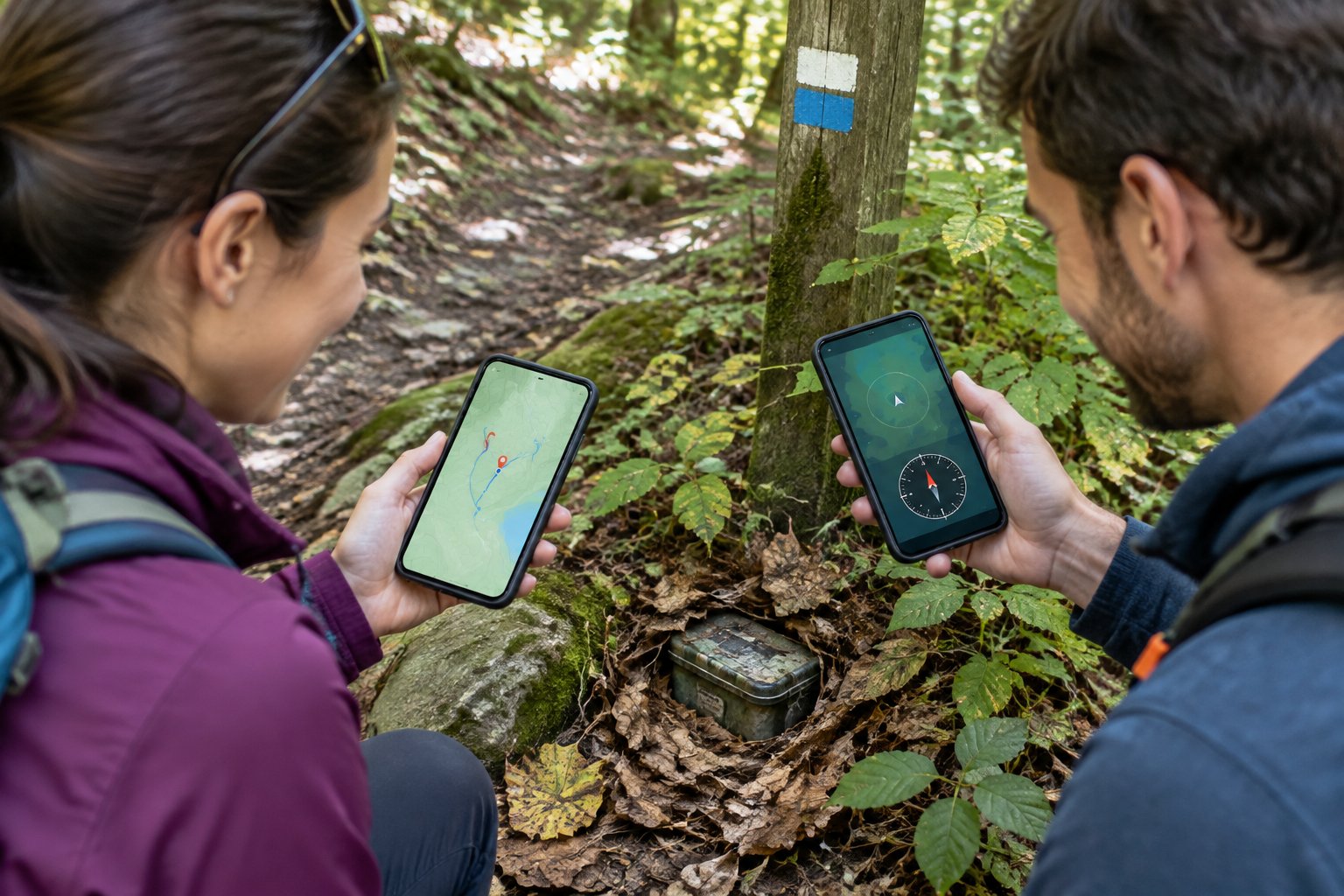
The official Geocaching app remains the default choice, but c on Android and a handful of other verified apps offer real differences in offline access, cache-list size, and logging tools. All of them read from the same underlying Geocaching.com database of geocaches, geotours, trackables, and Adventure Lab experiences, so the differences come down to how each app displays and stores that data, not a separate digital treasure catalog.
The Official Geocaching App
Built by Groundspeak (Geocaching HQ) for iPhone and Android, this app pairs a clean map view with compass and turn-by-turn navigation, draft logging, waypoints, and support for GeoTours and trackables. Premium membership adds filtered search, offline lists and maps, personal cache notes, and access to Premium-only caches and Adventure Lab starting locations.
c for Android
c is a community-built, Android-only app that connects to your Geocaching.com account and is widely used for its offline capabilities and broader visibility into caches on a map compared to the official app’s free tier. It isn’t built by Geocaching HQ, and support questions about it go to its own creators rather than Geocaching.com support channels.
Other Available Apps and Platform Differences
Cachly is an iPhone-only app positioned as an official partner of Geocaching HQ, built around an offline-first workflow with support for iPad, Apple Watch, and CarPlay. It’s a paid app with an optional Cachly Pro tier for offline vector maps and advanced live-map features, layered on top of whatever your geocaching.com membership level allows. Adventure Lab, also from Geocaching HQ, runs story-driven cache series separately from standard geocache listings. Some geocachers navigate using a general-purpose tool like Google Maps for driving to a trailhead, then switch to a geocaching-specific app for the final approach to the cache itself, since Google Maps has no awareness of cache listings or logs.
Side-by-Side Comparison of Access, Maps, Offline Use, and Logging
| App | Platform | Cache Access | Offline Maps | Offline Cache Details | Logging & Sync |
|---|---|---|---|---|---|
| Official Geocaching App | iPhone, Android | Basic: D1.5/T2 and below; Premium: all ratings | Premium only | Premium only (Offline Lists) | Draft logs sync to Geocaching.com |
| c | Android only | Depends on your geocaching.com membership level | Yes (community-documented) | Yes (community-documented) | Logs sync to your geocaching.com account |
| Cachly | iPhone, iPad, Apple Watch, CarPlay | Depends on your geocaching.com membership level | Cachly Pro (vector maps) | Included in base app (offline-first design) | Pending Logs sync once back online |
Cache-access limits above come from Geocaching HQ’s Basic-vs-Premium membership chart and apply across any app connected to that account, not just the official one.
What Can You Actually Do for Free?
You can search, navigate to, and log lower-difficulty geocaches on every major app without paying anything, but each one draws that free line in a different place. The distinction that trips people up is which limits come from the app itself versus which come from your Geocaching.com membership level, since a free app doesn’t override a Premium-only cache listing.
The Official App: Free Access vs. Geocaching Premium
A free Basic account in the official app finds caches rated D1.5/T2 and below, searches by GC code, location, or landmark, logs finds with photos, and uses draft logs and the Message Center. Geocaching Premium, priced as a paid annual subscription by Geocaching HQ, unlocks all difficulty and terrain ratings, Premium-only caches, filtered search, offline lists and maps, Favorite points, and Adventure Lab starting locations.
c:geo: App Cost vs. Service Membership Limits
c itself is free to download and use, and it connects to whatever geocaching.com account you sign in with. The cache-access ceiling you hit isn’t set by c but by your account’s membership level: a Basic account behind c still can’t unlock Premium-only caches, since that restriction lives on the Geocaching.com service side.
Other Verified Apps: Ongoing Free Tiers vs. Trials
Cachly is a paid iPhone app with its core geocaching functions included in the purchase price, and a separate Cachly Pro tier adds offline vector maps and advanced mapping tools on top. Whether an app offers an ongoing free tier or a time-limited trial varies by developer, so check the app’s own store listing for its current terms before you rely on it for a multi-day trip.
Will Your App Work Without Reception or a Full Battery?
Your app will keep navigating and logging without cell service only if you downloaded both the offline maps and the offline cache details before losing signal, since these are two separate downloads on most apps. Confirming this at home, not at the trailhead, is the single biggest difference between a smooth low-reception hunt and a wasted trip.
Offline Maps vs. Offline Cache Details
An offline map gives you the visual terrain and trails, letting your phone show your position even without data. Offline cache details are a separate package: the coordinates, hint, difficulty rating, and recent logs for each specific geocache. On the official app, both offline maps and Offline Lists (which store cache details) are Premium features; free Basic accounts don’t get this offline layer. Cachly’s offline-first design bundles cache details into the base app, with deeper offline vector maps reserved for Cachly Pro.
How to Test Downloads, Navigation, and Logging Before You Go
Turn on airplane mode at home after downloading your maps and caches, then open the app and confirm the map renders, the cache page loads with its hint and coordinates, and you can start a draft log. If any of those three fail in airplane mode, the download didn’t fully complete and needs to run again on Wi-Fi.
Battery Settings and Backup Power in the Field
GPS navigation with the screen on is one of the heaviest battery draws a phone experiences, so a full charge or a portable battery pack is worth carrying on any outing longer than an hour or two. Lower your screen brightness once outdoors lighting allows it, and check that your phone’s power-saving mode isn’t restricting background location updates, since some power-saving settings pause the exact location and background activity your geocaching app depends on. A dedicated handheld GPS device remains an option for hunters who want to sidestep phone battery concerns entirely; the best GPS devices for hiking to buy roundup covers that route in more depth.
Your Before-Leaving and Trailhead Checks
A short pre-trip routine catches the problems that ruin a geocaching outing before they happen. Run through these two stages every time you head out, especially for a new area or a trip with weak reception.
Before leaving home:
- Confirm you’re logged into your geocaching.com account in the app
- Download offline maps for your route (Premium feature on the official app)
- Download offline cache details for each planned cache, not just the map
- Test navigation and logging in airplane mode to confirm the download actually completed
- Charge your phone fully and pack a backup battery for trips over an hour or two
- Check that location permissions are set to allow the app to use GPS
At the trailhead:
- Verify your phone shows a GPS fix before walking toward the first cache
- Open the cache page and confirm the hint, coordinates, and difficulty rating display correctly
- Disable aggressive power-saving modes that might pause background location updates
- Note your battery percentage and set a turnaround point if it’s already below half
- Confirm you can start a draft log without needing an active data connection
Geocaching etiquette and outdoor safety basics matter alongside the tech checks; the is geocaching safe guide and guide to hiking for beginners both cover ground worth reading before a remote trip.
Frequently Asked Questions
Is the official geocaching app free to use?
Yes, the official Geocaching app is free to download and includes a Basic membership tier that lets you search, navigate to, and log geocaches rated D1.5/T2 and below. Geocaching Premium is a paid subscription layered on top that unlocks higher-difficulty caches, offline maps, filtered search, and Premium-only listings.
Which geocaching app is best for a beginner?
The official Geocaching app suits most beginners best, since Geocaching HQ built it specifically to walk new users through finding, navigating to, and logging their first cache. Its free Basic tier covers plenty of caches in most areas, which is usually enough to learn the basics before deciding whether Premium is worth it.
Can I use a geocaching app without cell service?
Only if you downloaded both the offline maps and the offline cache details for your planned caches before losing signal. On the official app, offline maps and Offline Lists are Premium features; other apps like Cachly build offline cache access into their base experience, with some offline map features reserved for a paid tier.
Do I need Geocaching Premium to use a third-party app?
Premium isn’t required to use apps like c, but your Geocaching.com membership level still controls which caches you can access regardless of which app you’re using. A Basic account behind any app can’t unlock Premium-only cache listings, since that restriction is set by the underlying Geocaching.com service.
Are the best geocaching apps available on both iPhone and Android?
The official Geocaching app runs on both iPhone and Android with the same core features, though some details, like the Terrain map type, are Android-only. Other apps are platform-specific: c runs on Android only, while Cachly is built exclusively for iPhone, iPad, Apple Watch, and CarPlay.
