
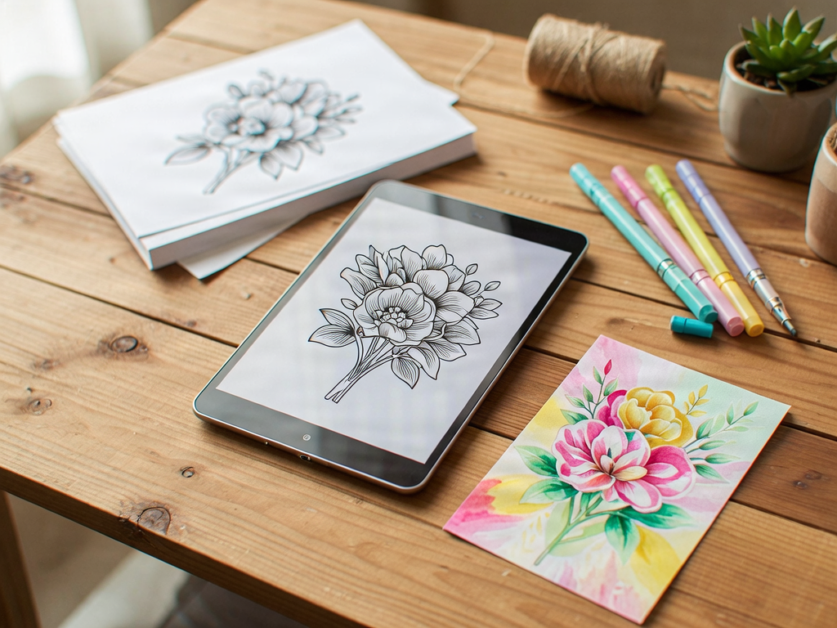
Ever wish you could get that classic stamped look without messy ink pads and cluttered craft drawers? That’s where digi stamps come in. Simply download a printable line-art design, print it onto your cardstock at home, and it’s ready to colour, cut, and stick onto your latest project.
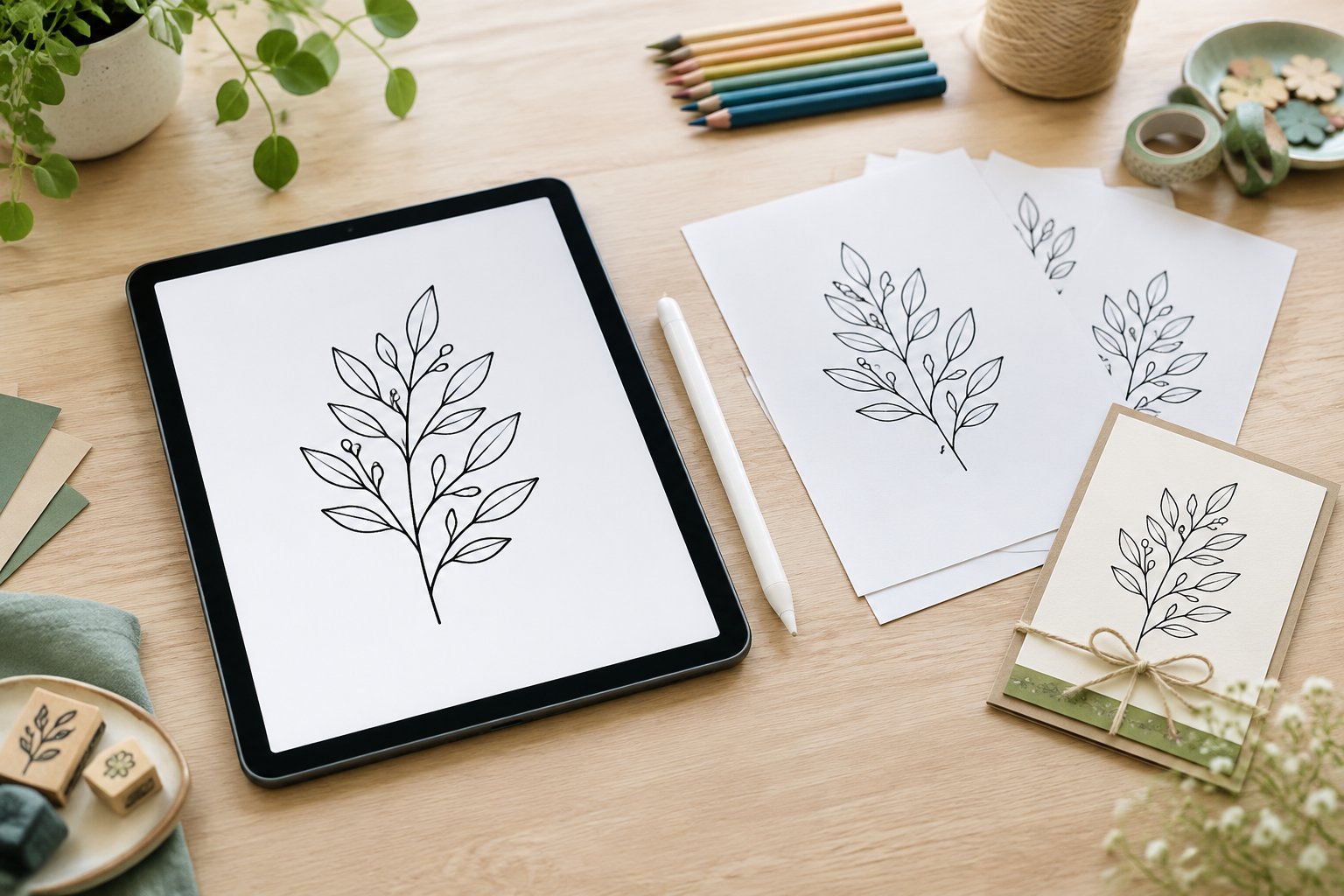
Most digi stamps cost a couple of pounds, arrive by instant download, and take up no room at all on a shelf. They sit on a computer or in a cloud folder instead of a drawer, which makes them handy for anyone whose craft space is already overflowing. If you’re curious to try the technique before buying a single supply, our guide to scrapbooking has plenty of starting points for working digital artwork into paper projects, and we’d love for you to have a go at printing your first design this week.
Digi Stamps Are Printable Artwork, Not Physical Stamps
A digi stamp is a picture file, usually black and white line art, designed to be printed and coloured rather than pressed into ink and stamped by hand. It behaves like a traditional rubber stamp once it’s on paper, but getting it there involves a printer instead of an ink pad.
What Does a Digi Stamp File Contain?
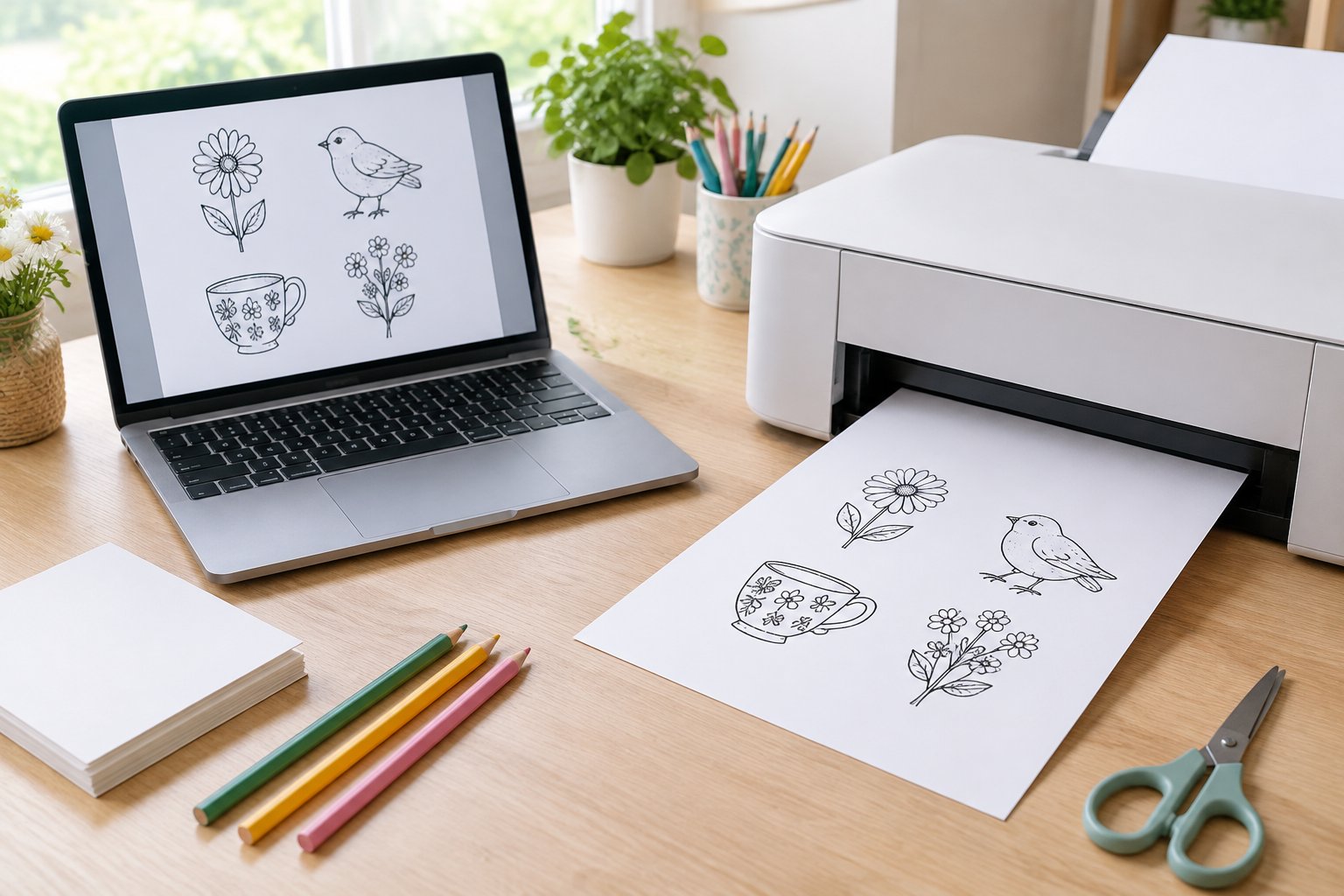
A digi stamp typically arrives as a PNG or JPG image, sometimes inside a zipped folder that needs unzipping before the picture appears. PNG files usually have a transparent background, which is useful if you want to print onto coloured or patterned card without a white box around the design. The image itself is normally an outline, ready for colour, much like a page from a colouring book.
How Is a Digi Stamp Different from a Rubber Stamp?
A digi stamp skips the ink pad, acrylic block and stamping platform that rubber and clear stamps rely on. Instead of pressing a stamp onto card, you print the design straight from a computer or tablet. That one change brings a few practical shifts: no mis-inked stamps, no wobbly double impressions, and no physical storage to find room for. It does mean a printer and some paper handling become part of the process, which suits some crafters more than others.
How to Print and Use a Digi Stamp
Using a digi stamp means downloading the file, resizing it to suit the project, printing it onto suitable card, then colouring and assembling as usual. The whole process from download to finished image can take a few minutes once you’ve done it once or twice.
What Do You Need to Get Started?
A computer, tablet or phone with internet access and a printer cover the basics. Any printer can print a digi stamp, though the quality of the print will vary between machines, so it’s worth doing a test print before committing good card. Card or paper of at least 120gsm gives the sharpest results and helps colour sit nicely on the page.
How Do You Resize, Arrange and Print the Design?
Most digi stamps can be resized, flipped or rotated using basic tools already on most computers, including Microsoft Word, Paint, or free programs like GIMP. This flexibility means one design can fit a square card, a tall card, or a tag, without buying a different stamp for each size. Copying and pasting the same image several times onto one page is a quick way to fill a sheet before printing, which suits backgrounds or multi-image scenes.
How Do You Colour and Add the Print to a Project?
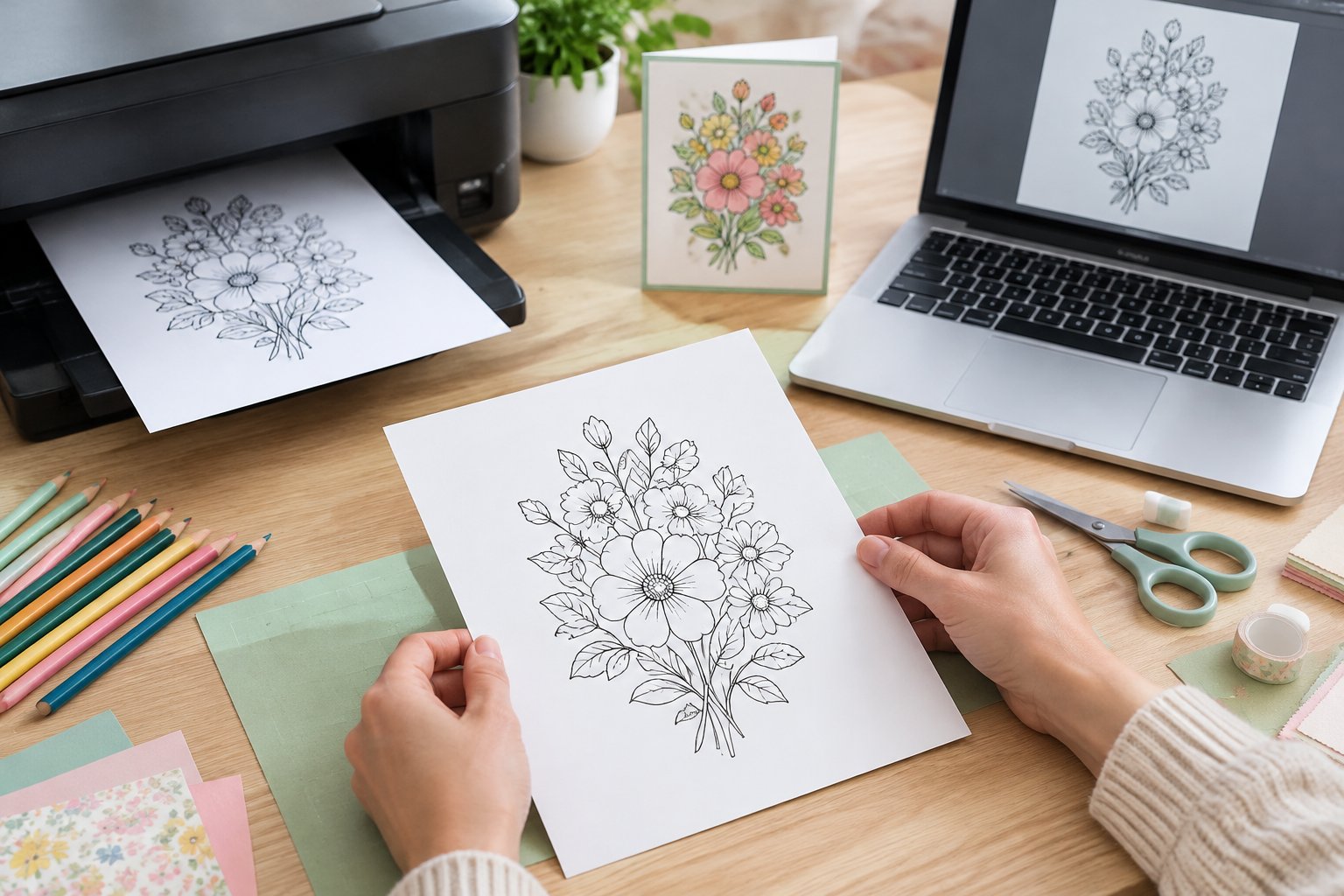
Once printed, the design can be coloured with pencils, markers or paint, then trimmed and added to a card or layout exactly as a stamped image would be. Fussy cutting, layering and adhering all work the same way they do with any paper image. For readers keen to combine digital artwork with a cutting machine, our beginner’s guide to crafting with Cricut covers how print-then-cut designs get uploaded and trimmed automatically.
What Changes When You Stamp Digitally?
Digi stamps trade the hands-on stamping step for a printing step, which removes some headaches and introduces a few new ones. Printer ink behaves differently from stamping ink, and that matters most when colouring with wet mediums or trying to add heat-set embossing powder.
Where Do Digi Stamps Save Time or Space?
Printing removes the risk of a patchy, under-inked or doubled impression, since the printer produces the same clean line every time. There’s no ink pad to dry out, no acrylic block to clean, and no drawer of stamps to sort through. Images can be layered on top of one another without masking, since there’s no need to protect already-stamped areas from a second pass of ink.
What Are the Limits of Printer Ink and Heat Embossing?
Ordinary printer ink can smudge when wet mediums like watercolour or alcohol markers touch it, because it hasn’t been formulated to resist moisture the way some stamping inks are. A heat gun run gently over the print can help set the ink, and an embossing pen traced over parts of the design allows some embossing powder to be added where it’s needed most. Printed lines can’t usually take a full coating of embossing powder the way a freshly stamped image can, since the toner or ink doesn’t stay tacky long enough for powder to stick evenly.
Creative Ways to Use Digi Stamps
Digi stamps fit naturally into scrapbooking and card projects because they behave like any printed paper image once coloured. A single image can anchor a whole card, while repeated copies can fill a page as a backdrop.
Make a Card with One Printed Focal Image
A printed digi stamp coloured in and matted onto a contrasting card makes a simple, effective focal point for a handmade card. This is the quickest route from download to finished project and a sensible place for anyone new to the technique to begin.
Add Details to Scrapbook Pages
Smaller digi stamps work well as accents on a scrapbook layout, tucked beside photos or journaling. Because the file can be resized freely, the same design can be shrunk to fit a corner or enlarged to anchor a whole page.
Repeat a Design to Make a Patterned Background
Copying one image across a page before printing creates a patterned background without buying a separate sheet of designer paper. This works particularly well for smaller motifs like leaves, stars or simple shapes that tile neatly.
Start with One Design and a Simple Card
Choosing one digi stamp and making a single card is the easiest way to see whether the technique suits your crafting style. Pick a design with clear, simple outlines rather than a highly detailed scene for the first attempt, since fine details are trickier to colour neatly and more likely to show up any print quality issues.
Print the image onto a test sheet first to check the size and line quality before using good card. Colour it with whatever’s already in your craft box, pencils, markers or paint, then trim and mount it onto a card blank exactly as you would a stamped image.
Before selling anything made with a purchased design, check the artist’s licence or terms of use that came with the file. Most allow handmade items made from the design to be sold, but sharing or reselling the digital file itself is almost always against the rules. Reading this licence takes a couple of minutes and avoids any awkward surprises later.
Frequently Asked Questions
Do you need a printer to use digi stamps?
Yes, a printer is essential since digi stamps are designed to be printed onto paper or card before colouring. Any printer can do the job, though the sharpness of the lines and depth of black will vary between models, so a test print is worth doing first.
What file formats do digi stamps come in?
Digi stamps are usually supplied as PNG or JPG files, with PNG preferred by many crafters because it often has a transparent background. Files sometimes arrive zipped, meaning the folder needs extracting before the images can be opened and printed.
Can you resize a digi stamp without losing quality?
Digi stamps can be resized up or down within the limits of the printer and the image’s resolution, with minimal loss of sharpness for most crafting sizes. Enlarging an image far beyond its original dimensions can start to soften the lines, so it helps to check a test print before committing to a final size.
Can you use watercolours on a printed digi stamp?
Watercolour can cause ordinary printer ink to smudge or bleed, since most inkjet inks aren’t designed to resist moisture. Setting the print with a heat gun first, or choosing a printer with waterproof ink, helps the lines stay crisp when adding wet colour.
Can you sell cards made with digi stamps?
Selling handmade cards made from a digi stamp is usually allowed under the artist’s licence, often called an angel policy, though this varies by seller. The file itself should never be shared, resold or mass-produced without the artist’s written permission, so it’s worth reading the specific terms before listing anything for sale.
